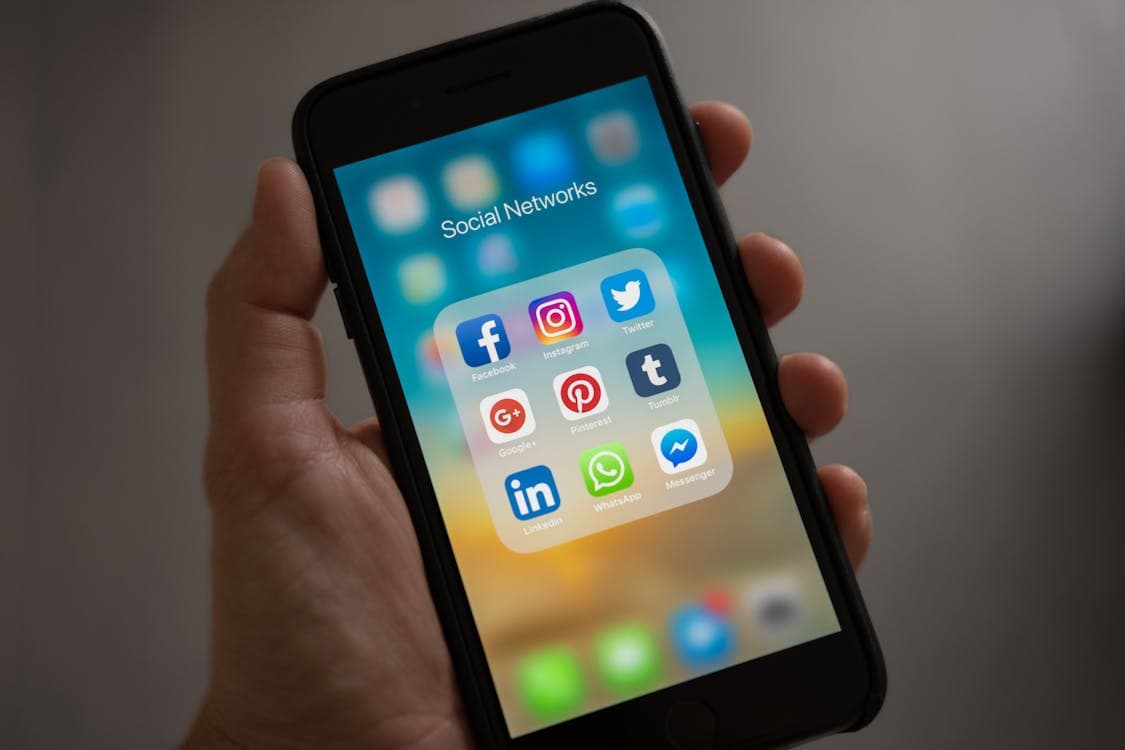
Quick answer: To watch IPTV on an iPhone or iPad, install an IPTV player from the App Store — such as GSE Smart IPTV, IPTVX or Smarters Player Lite — then add your provider's Xtream Codes login or M3U link. Your channels load in seconds, and you can send them to your TV with AirPlay. Setup takes about 3 minutes.
What you need
- An iPhone or iPad on a recent version of iOS or iPadOS.
- Wi-Fi or mobile data (about 10 Mbps for HD).
- An IPTV subscription — for example a Multivision IPTV plan or free trial.
Best IPTV apps for iPhone and iPad
| App | Price model | Highlights |
|---|---|---|
| GSE Smart IPTV | Free with optional upgrades | Flexible playlists, EPG, Chromecast and AirPlay |
| IPTVX | Paid | Polished design, iPhone, iPad, Mac and Apple TV |
| Smarters Player Lite | Free | Simple Live TV / Movies / Series layout |
App features and prices change, so check the latest App Store reviews before you buy.
How to set up IPTV on iPhone
- Open the App Store and install your chosen IPTV player.
- Open the app and allow it to access your local network if asked (needed for casting).
- Tap Add playlist (or +).
- Choose Xtream Codes API and enter the server address, username and password from your provider — or choose M3U URL and paste your link.
- Tap Save or Add user. Live TV, movies and series appear in a few seconds.
Tip: copy your login from WhatsApp or email and paste it — typing long server addresses on a phone is the most common cause of "invalid login" errors.
How to watch on your TV with AirPlay
- Connect your iPhone and your Apple TV or AirPlay-compatible Smart TV to the same Wi-Fi network.
- Start a channel in your IPTV app.
- Tap the AirPlay icon in the player (a rectangle with a triangle).
- Choose your TV.
If your TV isn't listed, check that AirPlay is turned on in the TV's settings. For the best long-term experience on a big screen, a dedicated device is smoother — see IPTV on a Smart TV.
How much data does IPTV use on a phone?
| Quality | Approximate data per hour |
|---|---|
| SD | 0.7 GB |
| HD | 1.5–3 GB |
| 4K | 7 GB or more |
Use Wi-Fi for long sessions, and lower the stream quality in the app settings when you're on mobile data.
Troubleshooting on iPhone and iPad
- "Invalid login": paste the details instead of typing; include
http://and the port number. - No sound: check the silent switch and the in-app audio track setting.
- AirPlay drops: keep both devices on the same 5 GHz network and close other apps.
- Buffering: switch from mobile data to Wi-Fi, or see our buffering fixes.
Related guides
Frequently asked questions
What is the best IPTV app for iPhone?+
Popular App Store options include GSE Smart IPTV, IPTVX and Smarters Player Lite. All support Xtream Codes or M3U playlists; IPTVX also has an Apple TV version. App features and pricing change, so check current App Store reviews.
Can I watch IPTV on my iPhone away from home?+
Yes. IPTV works anywhere you have internet, including on mobile data. Allow about 1.5 to 3 GB of data per hour of HD viewing, so Wi-Fi is cheaper for long sessions.
Can I cast IPTV from my iPhone to my TV?+
Yes. Most IPTV apps support AirPlay, which sends the stream to an Apple TV or an AirPlay-compatible Smart TV. Tap the AirPlay icon in the player and choose your TV.
Ready to try it yourself?
Get a free 3-hour trial — no credit card required. Our team sets it up for you.
Related Articles
Best Android TV Box for IPTV in the USA (2026 Buying Guide)
How to choose the best Android TV box for IPTV in the USA: the specs that matter, the main types of box compared, and how to set one up with your subscription.
Read MoreBest IPTV Apps for Firestick (2026) + Step-by-Step Setup
The best IPTV player apps for Amazon Firestick and Fire TV in 2026 compared, plus how to install them and add your IPTV subscription in about 5 minutes.
Read More