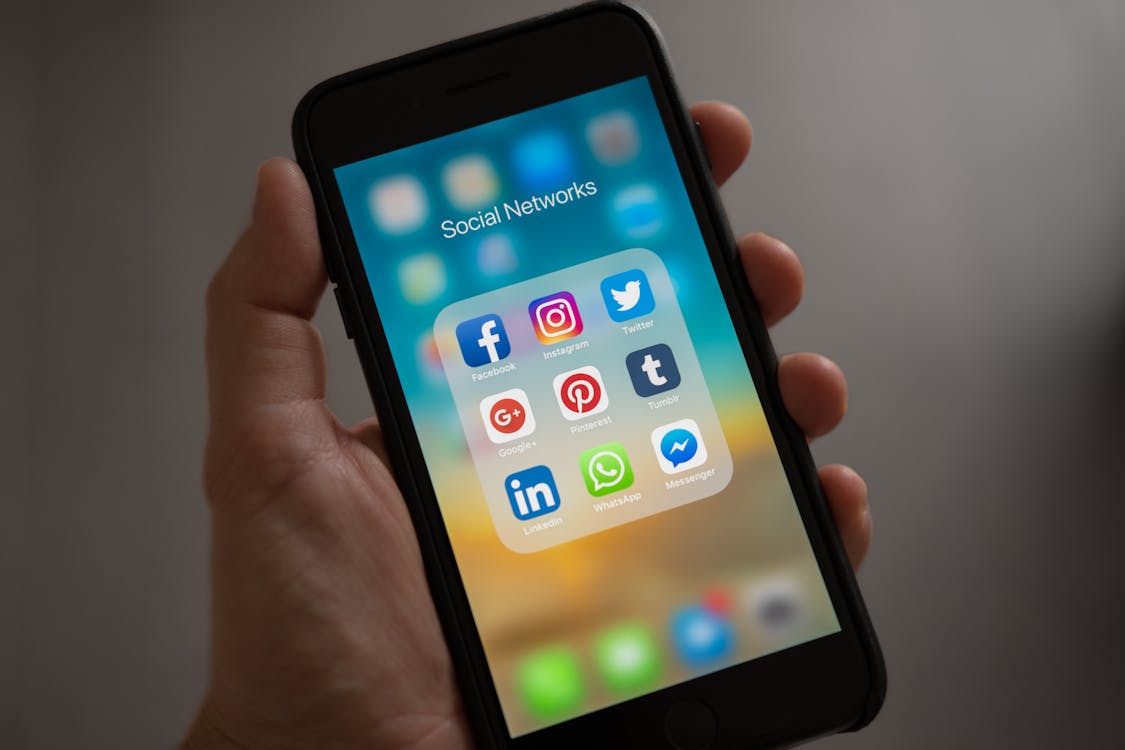
IPTV on iPhone UK — Watch 20,000+ Channels on Your iOS Device
IPTV on iPhone UK is one of the most searched streaming topics in Britain in 2026 — and it's easy to understand why. Your iPhone is already the most capable screen you own. It goes everywhere with you, has a crisp display, and is connected to broadband and 4G/5G at all times. All you need is a reliable IPTV subscription and the right iOS app, and you have every UK channel in your pocket.
Setting up IPTV on iPhone takes under 5 minutes. You get BBC One, ITV, Channel 4, all Sky Sports channels, TNT Sports, Sky Cinema, and 20,000+ additional channels — live, in HD and 4K — for £7.99/month with no contract and no credit card required to start.
This guide covers everything: the best IPTV apps for iPhone UK, how to install them, and how to configure your setup for smooth, buffer-free streaming.
Best IPTV Apps for iPhone UK in 2026
Not all IPTV players work equally well on iOS. Here's how the top options compare for IPTV on iPhone UK:
| App | Price | M3U Support | Xtream Codes | EPG | Rating |
|---|---|---|---|---|---|
| IPTV Smarters Pro | Free / £4.99 | Yes | Yes | Yes | ⭐ 4.4 |
| GSE Smart IPTV | Free / £14.99 | Yes | Yes | Yes | ⭐ 4.3 |
| Flex IPTV | £3.99 | Yes | No | Yes | ⭐ 4.2 |
| Infuse 7 | Free / £6.99/yr | M3U only | No | Limited | ⭐ 4.6 |
| VLC for Mobile | Free | M3U only | No | No | ⭐ 3.9 |
Our recommendation for IPTV on iPhone UK: IPTV Smarters Pro for most users — it supports both M3U and Xtream Codes, has a full EPG, and is free to download. GSE Smart IPTV is the better choice if you want a more polished interface on iPad as well.
How to Set Up IPTV on iPhone UK — Step by Step
Getting IPTV on iPhone running takes less than 5 minutes. Follow these exact steps:
Step 1 — Get Your IPTV Subscription & Free Trial
Contact Multivision IPTV via WhatsApp and request a free 3-hour trial. You'll receive either:
- An M3U playlist URL (a web link ending in .m3u or .m3u8)
- Xtream Codes credentials (username, password, and server URL)
No credit card needed. You'll have your credentials within minutes.
Step 2 — Download IPTV Smarters Pro on Your iPhone
- Open the App Store on your iPhone
- Search for "IPTV Smarters Pro" (by Whmcs Smarters)
- Tap Get — the app is free to download
- Install and open the app
Step 3 — Add Your IPTV Subscription
Inside IPTV Smarters Pro:
- Tap "Add User" or the "+" icon
- Enter a name (e.g. "Multivision IPTV")
- Choose your login method:
- M3U URL — paste your playlist link and tap Continue
- Xtream Codes API — enter your username, password, and server URL
- Tap Continue — your channels will load automatically
Step 4 — Set Up the EPG (TV Guide)
- Go to Settings inside the app
- Find "EPG" or "XMLTV URL"
- Enter the EPG link provided with your subscription
- Tap Save and refresh — the full UK TV guide will appear within 60 seconds
Step 5 — Start Watching
Browse channels by category: UK, Sports, Entertainment, Movies, News. All Sky Sports channels, TNT Sports, BBC iPlayer-equivalent streams, and 20,000+ international channels are available. Tap any channel to start streaming in HD.

5 Tips for the Best IPTV Experience on iPhone UK
1. Use 5G or a strong WiFi connection. For HD streaming on iPhone, you need at least 10 Mbps. For 4K, 25 Mbps. Most UK 5G connections exceed 100 Mbps — more than enough for buffer-free streaming anywhere.
2. Enable Background App Refresh. Go to Settings → General → Background App Refresh and enable it for your IPTV app. This prevents the stream from pausing when you briefly switch apps.
3. Use ExoPlayer for 4K streams. In IPTV Smarters Pro settings, switch the video player to ExoPlayer for better 4K and HDR stream compatibility on iPhone.
4. Download streams for offline viewing. Some IPTV apps, including GSE Smart IPTV, support downloading VOD content to watch offline — useful for long journeys.
5. Use Picture-in-Picture mode. iOS supports PiP for video. Upgrade to IPTV Smarters Pro (£4.99 one-time) to watch a live channel in a floating window while browsing your iPhone normally.
Essential tools:
- IPTV Smarters Pro — best all-round IPTV app for iPhone UK
- GSE Smart IPTV — excellent interface, great for iPad too
- VLC for Mobile — free, works with M3U playlists, no frills
- TiviMate — Android/Firestick alternative if you also use Android devices
- Apollo Groups IPTV — well-known alternative IPTV provider
Frequently Asked Questions: IPTV on iPhone UK
Q: Does IPTV work on iPhone? A: Yes. IPTV works perfectly on iPhone using apps like IPTV Smarters Pro and GSE Smart IPTV. Both are available free from the App Store. You need an IPTV subscription (M3U URL or Xtream Codes) and a broadband or mobile data connection.
Q: What is the best IPTV app for iPhone in the UK? A: IPTV Smarters Pro is the most widely used IPTV app for iPhone UK in 2026. It's free, supports all subscription formats, includes a full EPG, and works on both iPhone and iPad. GSE Smart IPTV is a close second with a slightly cleaner interface.
Q: How much data does IPTV use on iPhone? A: HD streaming uses approximately 2–3 GB per hour. 4K streaming uses 7–10 GB per hour. On a 4G or 5G connection, an hour of Premier League in HD uses around 2.5 GB of mobile data.
Q: Can I watch Sky Sports on my iPhone with IPTV? A: Yes. With a Multivision IPTV subscription, all Sky Sports channels (Sky Sports Main Event, Sky Sports Premier League, Sky Sports Football, Sky Sports F1, and more) are included. Load them in IPTV Smarters Pro and watch live on your iPhone.
Q: Does IPTV work in the UK on mobile data? A: Yes, provided you have a 4G or 5G connection with at least 10 Mbps download speed. Most UK 4G connections exceed this easily. For outdoor use or travel, IPTV on iPhone over mobile data works reliably.
Q: How do I get a free IPTV trial on iPhone? A: Message us on WhatsApp and request a free 3-hour trial. Download IPTV Smarters Pro from the App Store, add your trial credentials, and you're watching live UK TV on your iPhone within minutes.
Related Articles
- Best IPTV Service UK 2026: Top Providers Tested and Ranked — full UK provider comparison
- How to Watch Premier League with IPTV — watch all 380 games live
- Best IPTV App for Firestick 2026 — TiviMate vs IPTV Smarters on Fire TV
- Why Does My IPTV Buffer? 7 Fixes — troubleshoot stream quality on any device
- What Is IPTV? Complete Beginner's Guide — how IPTV technology works explained simply
Ready to try it yourself?
Get a free 3-hour trial — no credit card required. Our team sets it up for you.
Related Articles
IPTV Subscription UK 2026: Best Plans, Prices & Complete Setup Guide
Looking for the best IPTV subscription in the UK? Compare plans, prices, and what's actually included — and why Multivision IPTV at £7.99/month beats Sky every time.
Read MoreBest IPTV Android Box UK 2026: Top Devices and Full Setup Guide
Looking for the best Android box for IPTV in the UK? We ranked the top devices for 2026 — with a complete setup guide for Multivision IPTV and 20,000+ live channels from £7.99/month.
Read More